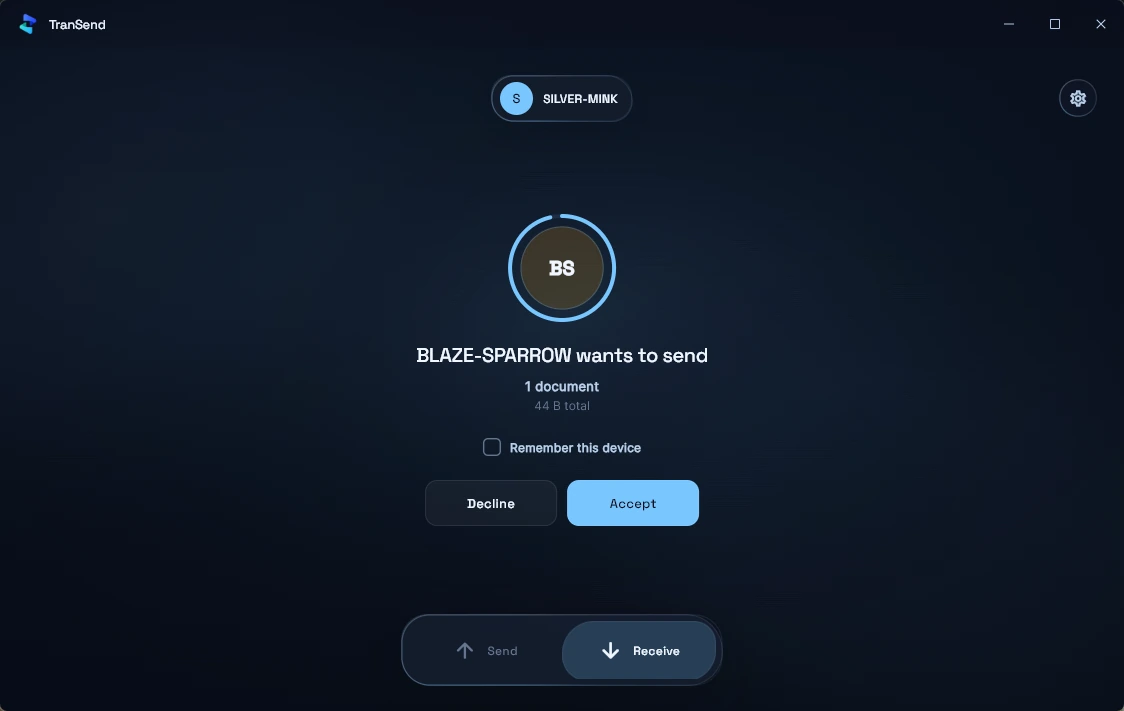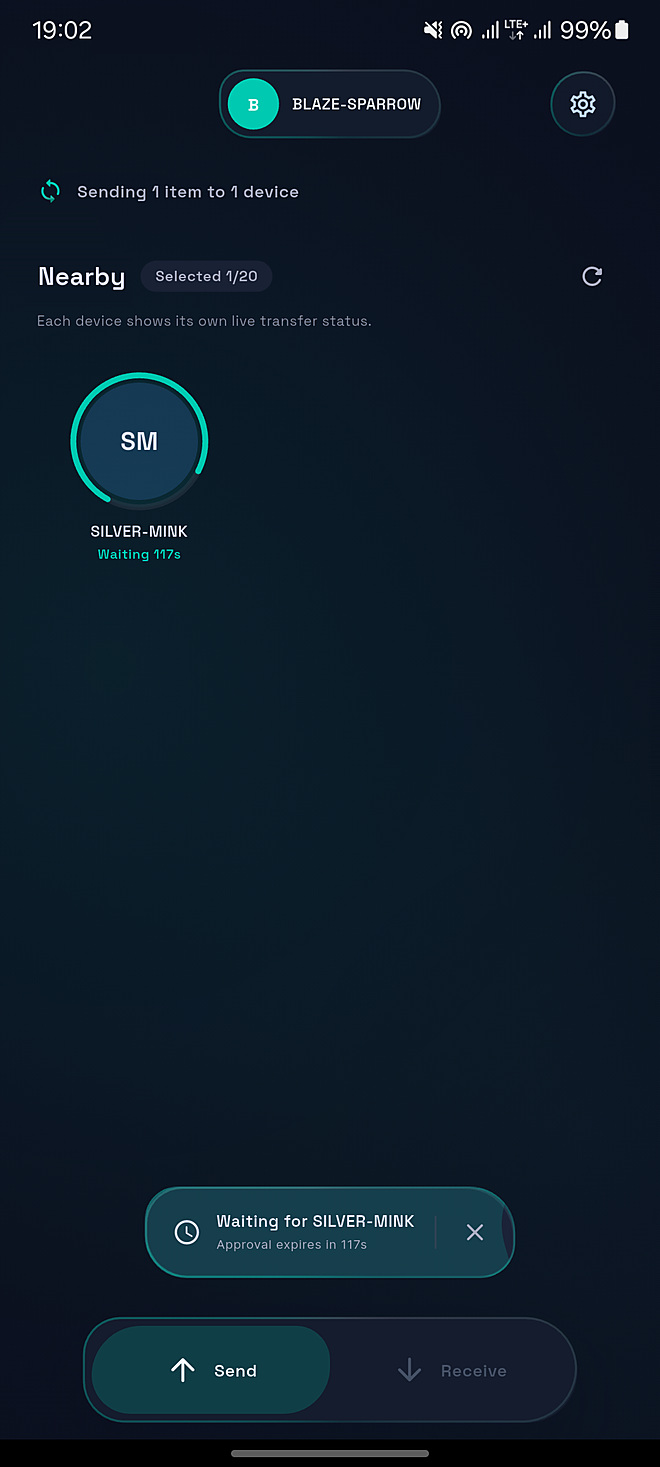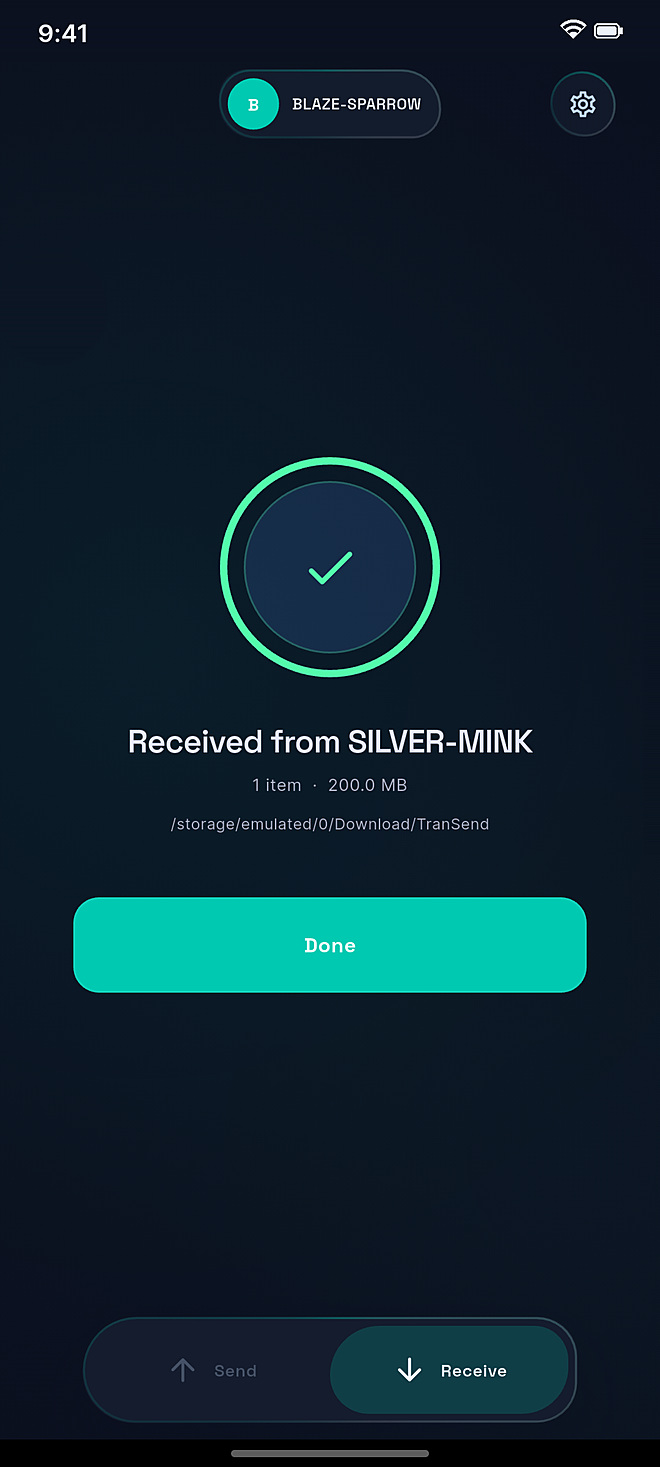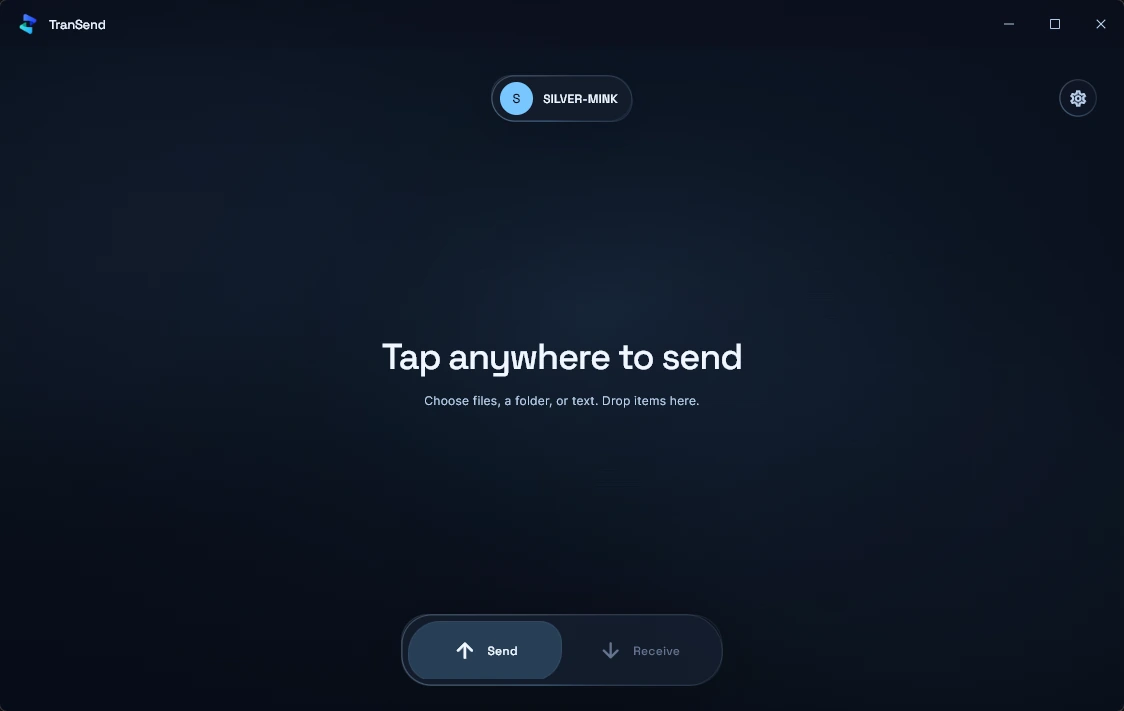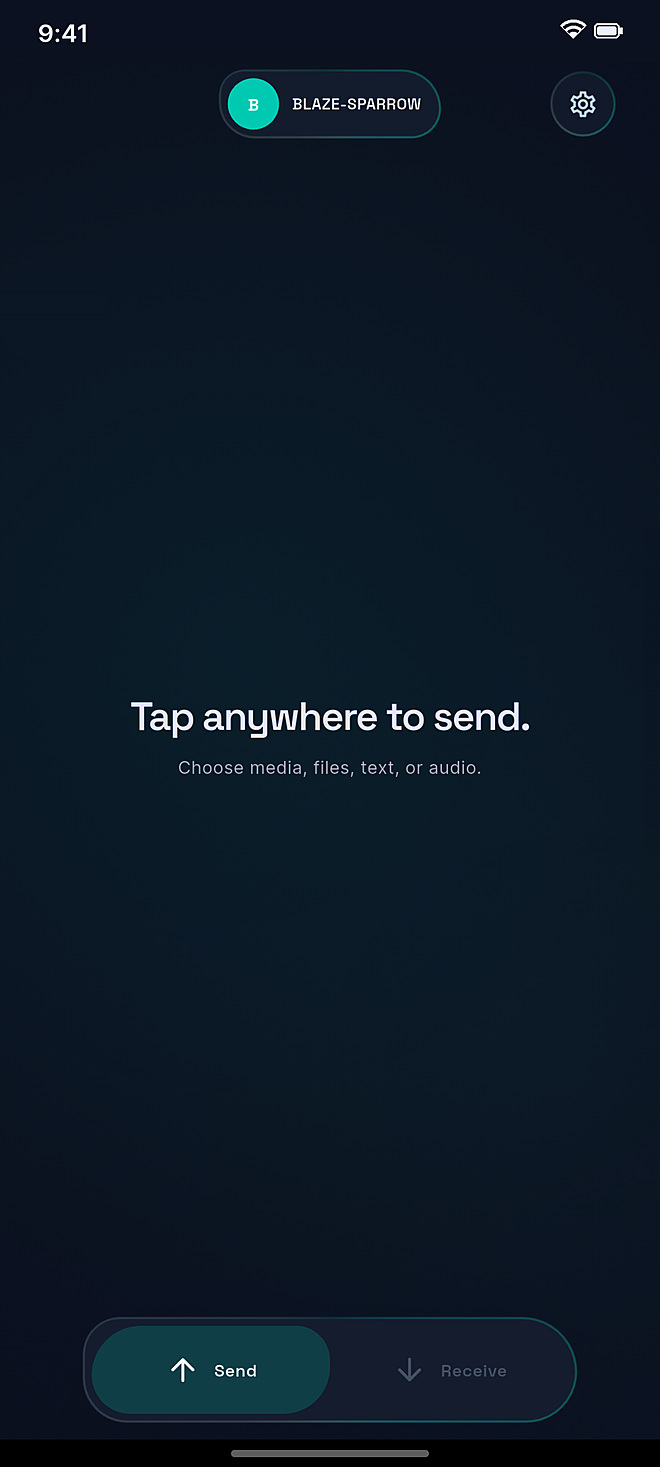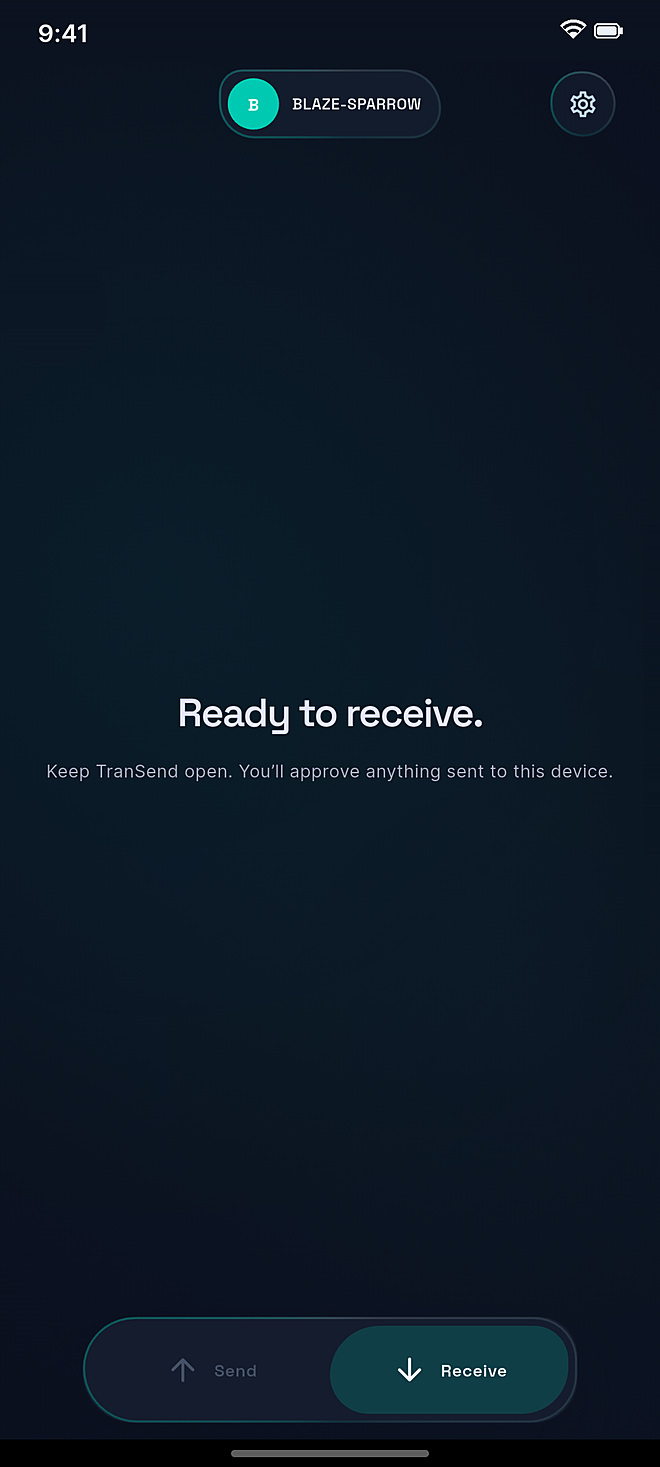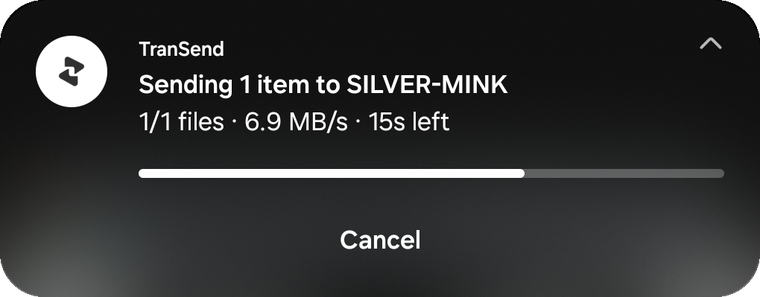
Send files fast.
Keep control after you share.

TranSend sends files over local Wi-Fi or via cloud transfer links — with expiry, passwords, and burn-after-download built in.

Three steps. No friction.

TranSend removes every unnecessary step from file sharing. Pick a file, choose a transfer mode, share the code.

01 — Choose your file
Pick any file from your device

Tap the send button and select any file — photos, videos, documents, archives, or raw footage. No confusing conversion steps.

Photos, videos, documents, archives
Up to plan transfer limit
02 — Pick your mode
Local Wi-Fi or cloud transfer

Send directly over local Wi-Fi for maximum speed — or upload to private cloud storage so the receiver can download from anywhere, at any time.

Local: direct device-to-device
Cloud: access from anywhere
03 — Share the code
Share the code. Receiver downloads.

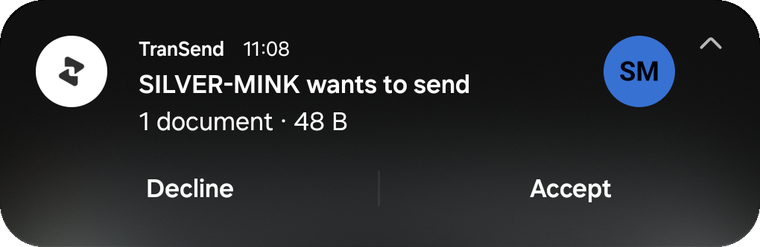
TranSend generates a transfer code like EMBER-4729. Share it however you like. The receiver enters it and downloads instantly.

Short memorable code format
Auto-expires at your set time

Two modes. Every scenario covered.

Whether you're on the same network or thousands of miles apart, TranSend has the right transfer mode.

Local transfer
Direct over Wi-Fi
Transfer files directly between devices on the same network. Fast, private, and nothing leaves your local connection.
Transfer speed
Network-native — as fast as your Wi-Fi allows
File size
Great for large files on the same network
Privacy
Stays entirely on your local network
Cloud transfer
Upload once. Access anywhere.
Files are uploaded to private cloud storage. Share the code and the receiver can download from any device, whenever they're ready.
Expiry control
Set to 3 hours, 24 hours, or up to 30 days
Cloud storage
Up to 100 GB active storage on Pro
Reach
Receiver downloads from any network, any device

Every transfer, fully in your hands.

Six precision controls built around every transfer code — from a 3-hour one-shot link to a password-locked, scheduled, notification-enabled cloud delivery.

Scheduled Send
Set a future time for your transfer to become active. Prepare files in advance.
Pro
Burn After Download
File and code are permanently deleted the moment the receiver downloads.
All plans
Codes & Links
Share a short human-readable code or a direct download link.
All plans
Transfer active
EMBER-4729
Transfer code
Six controls. One transfer code. Full ownership of how your files move.
Expiry Controls
Transfer codes auto-expire. Guest gets 3 hours. Pro sets up to 30 days.
All plans
Password Protection
Lock your transfer with a password. Only recipients with the code and password can download.
Pro
Download Notifications
Get notified the moment your receiver downloads the file.
Pro
Request flow
01
You generate a request code
TranSend creates a unique request code tied to your account.
02
Sender enters the code
The person you're requesting from opens TranSend and enters your code to upload directly to you.
03
You get notified and download
Once uploaded, you receive a notification and download the file from your transfers.
Coming soon

Request a file from anyone

Flip the transfer. Instead of sending, you share a request code. The other person uses it to upload directly to you — no email, no cloud drive, no sharing folders.

Download TranSend

Security built into every transfer.

TranSend doesn't bolt security on as a feature. Expiry controls, burn-after-download, password locks, and HTTPS are defaults — not add-ons.

Every transfer has a defined lifespan. When it expires, it's gone. You decide the rules.

All transfers use HTTPS with TLS in transit. Cloud files are stored in private, access-controlled storage and never exposed publicly.
Secure transfer links
HTTPS-only with TLS in transit on every connection
Active
Private cloud storage
Files stored in access-controlled private storage, never public
Active
Expiry controls
Every transfer has a defined lifespan — auto-deleted on expiry
Active
Burn-after-download
File permanently deleted immediately after first download
Active
Password protection
Optional code lock — only those with the password can download
Pro
Account deletion
Delete your account to permanently remove all files and data
Active

Start free. Upgrade when you need more.

Start as a guest without an account. Upgrade only when you need cloud features like longer expiry, larger cloud files, password protection, scheduled send, and download notifications.

Guest
No account needed
$0
Always free · No sign-up required
Up to 1 GB per transfer
3-hour expiry on all transfers
Automatic burn-after-download
Transfer codes & links
Local Wi-Fi transfers
Pro
Full control, more flexibility
$7.99
/mo
Billed via Google Play · Cancel anytime
100 GB active cloud storage
Up to 10 GB per file
Expiry up to 30 days
Password protection on transfers
Scheduled send — set a future delivery time
Configurable burn-after-download
Download notifications — know when it's received

Local price displayed in Google Play · Full pricing details

Common questions

No. As a Guest, you can send and receive files without creating an account. Create a free account or upgrade to Pro to unlock longer expiry, larger file sizes, and advanced controls like passwords and scheduled send.
A transfer code (like EMBER-4729) is a short, unique identifier for your file transfer. Share it however you want — in a message, a call, or a note. The receiver enters it in TranSend to start their download. No links, no accounts needed on their end.
Local mode transfers files directly between devices on the same Wi-Fi network — nothing goes to the internet. It's ideal for large files when both parties are nearby. Cloud mode uploads the file to private storage so the receiver can download from anywhere, at any time, before the transfer expires.
When burn-after-download is enabled, the file and its transfer code are permanently deleted from our servers the moment the first download completes. The link becomes invalid instantly. Pro users can configure this — for example, keeping the file available for multiple downloads within the expiry window.
Pro is billed monthly through Google Play. The local price shown in Google Play may vary by region. You can cancel anytime directly from your Google Play subscriptions — no hassle, no emails required.
Reach us at [email protected] or visit the Support page for help with transfers, accounts, or billing.

Start transferring today.
No account needed.

Download TranSend and send your first file in under a minute. Free forever as a guest, or unlock everything with Pro.